
Mango Animation Maker provides you with a varied selection of well-designed animated video templates. Getting started with a pre-created template will save you a lot of time and helps you make an animated video quickly.
1. Log in to your Mango AM account.
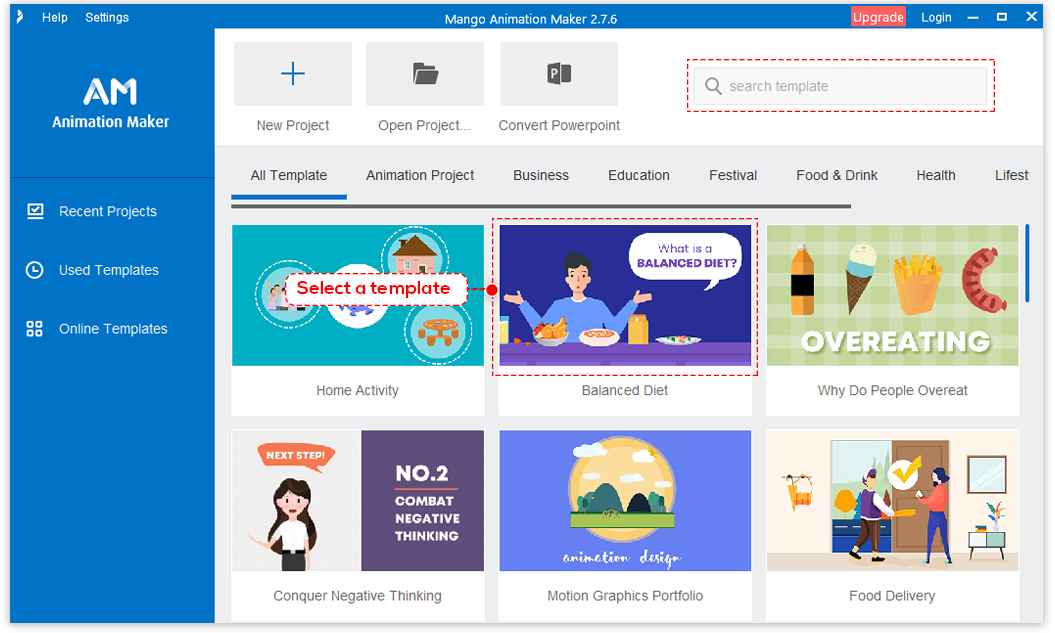
2. On the Workplace, you can access a selection of templates. Scroll to view and select a suitable template.
Note: you can use the search box at the top-right corner to find the template you need faster.
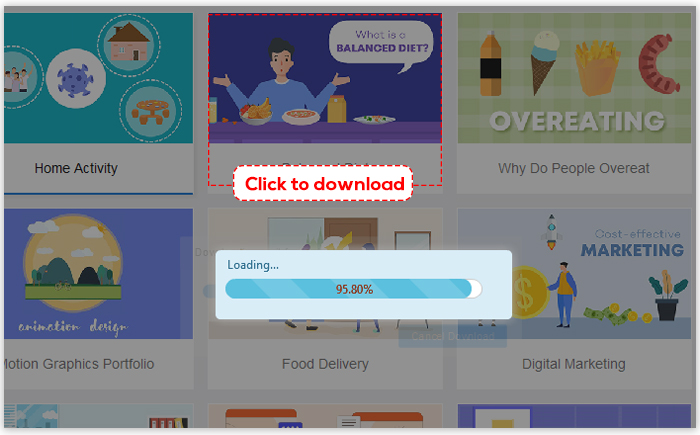
3. Click and download the template.
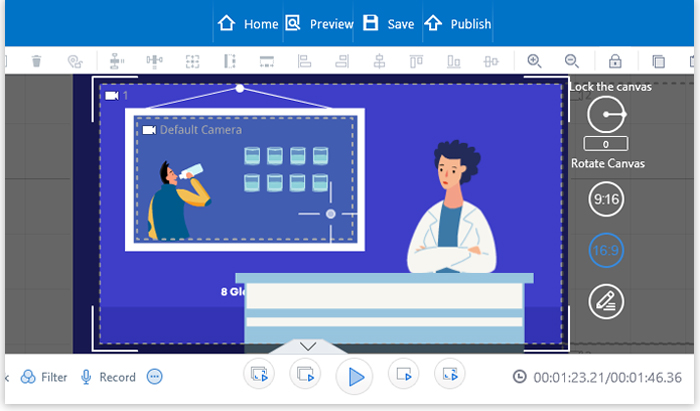
Once the template is open, you can customize it to fit your needs.


 English
  Español
  Português
  Deutsch
  Français
  繁體中文
繁體中文  Italiano
  한국어
한국어  Русский
  Română
  Polski
  Nederlands
  العربية
  日本語
日本語  Dansk
Dansk  Tiếng Việt
  עִבְרִית
  Hrvatski
  Čeština
  Magyar
  Türkçe
  ไทย
ไทย  Slovenščina
  Bahasa Indonesia